|

The MicroStaffer Scheduling Calendar view gives
you a quick and complete overview of your schedule on a shift
basis for that individual client. It offers drag and drop
capabilities to streamline the scheduling process by simply
clicking on an individuals name, and dragging them to another
shift and date on the calendar!
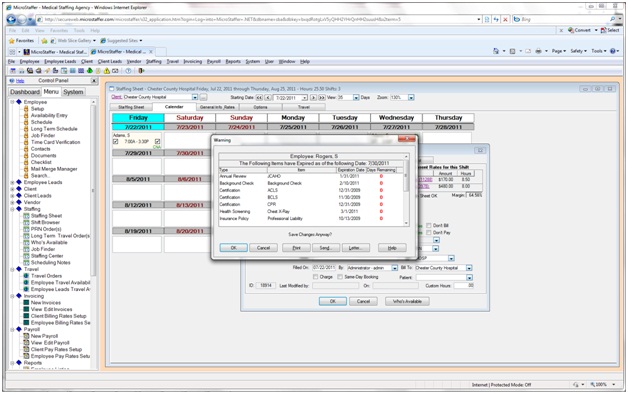
You also get alerts at
this point if:
- License, certification, or
health screening has an upcoming expiration date
- They exceed your preset booking
hours (overtime, etc.)
- Are booked at another facility
- Have a conflict in their preset
working availability's
- Have conflicts or DNR with
this client
You can print or e-mail these
alerts as a notice or reminder for the employee. You also are
given the option to continue booking the shift, or to cancel
and look for another match. |